
Resources · Useful tools
Make the page you need.
Dots, lines, squares, or something more unusual—this free paper generator lets you build a printable template around the way you think.
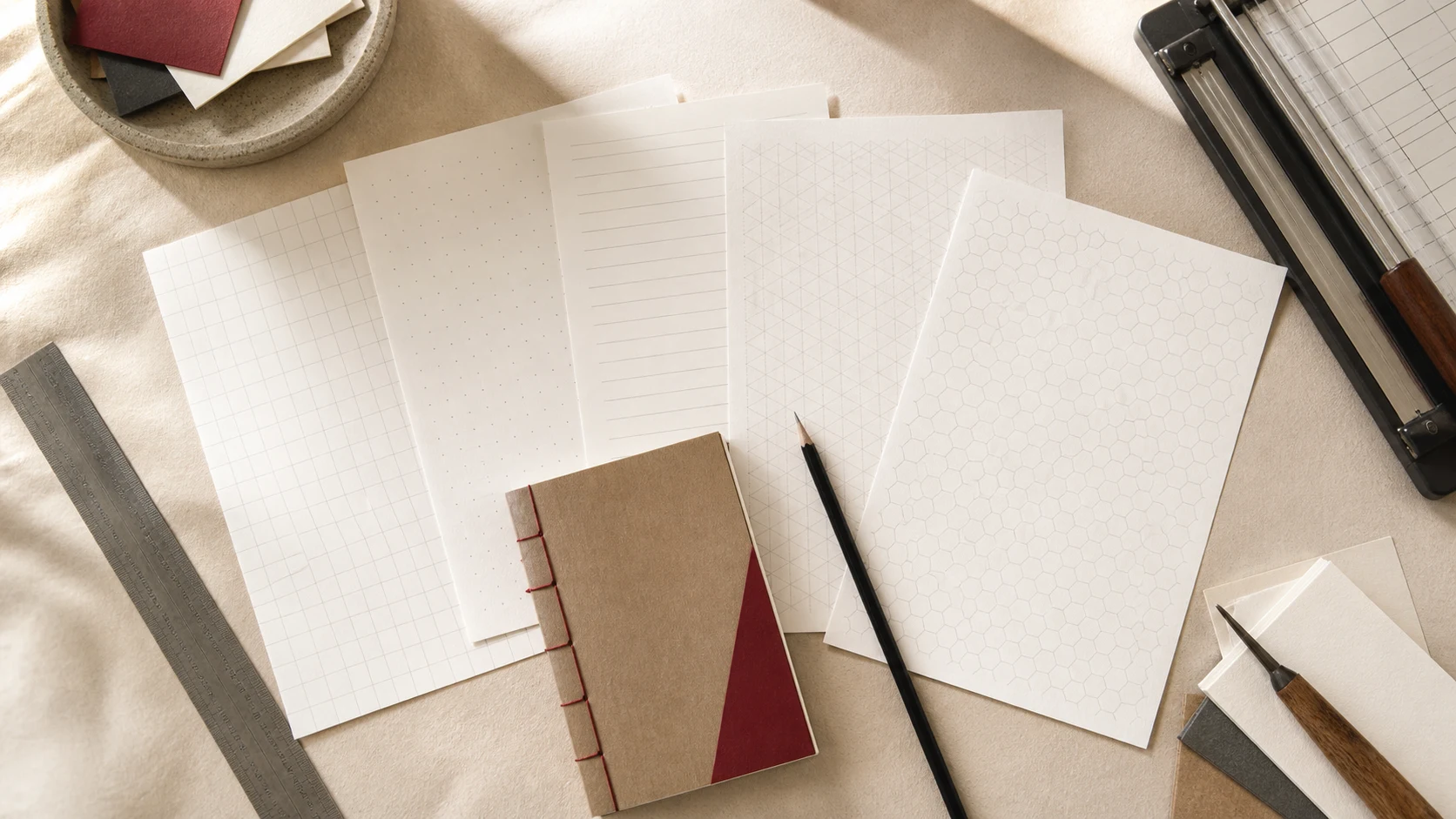
Structure, made personal.
Sometimes the page you want is almost standard—but not quite. PaperMan’s free generator lets you choose a paper type, adjust its physical details, preview the result, and export it as a printable PDF or PNG. There is no login required, and the range extends from familiar ruled and dot paper to technical and drawing grids.
Choose how the page should think.
Start with the work, not the pattern. Dot grids give layouts quiet structure. Ruled lines keep longhand moving. Square grids suit diagrams, measurements, tables, and plans. Isometric, hexagonal, triangular, polar, and perspective grids are useful when the idea needs a more specialized geometry.
For flexible notebook pages, begin with dots, lines, or a 5 mm square grid.Match the finished sheet.
Choose the paper size already in your printer—Letter, A4, or another supported format—then set portrait or landscape. Use margins to leave room for trimming, binding, hole punching, or an intentionally quiet edge.
If the sheet will become a notebook insert, measure the final trimmed page first.Tune the spacing to the hand.
Smaller spacing holds compact writing and detailed diagrams; larger spacing gives sketches and generous handwriting room. Five millimetres is a useful everyday starting point, while quarter-inch spacing feels familiar on North American graph paper.
Print one sample before committing to a full stack.Let the structure recede.
A useful ruling guides the page without becoming the loudest thing on it. Adjust line weight, colour, and opacity until pencil and ink remain easy to read. Pale grey usually feels calmer than solid black.
If you notice the grid before your writing, lighten it.Preview, export, and keep the recipe.
Check the live preview, then export a PDF for predictable physical printing or a PNG for digital worksheets and layouts. Write down the settings you like so the same paper can be generated again later.
Name the saved file with its size, pattern, and spacing.Print at actual size.
Physical spacing changes when a printer scales the page. Match the PDF size to the paper in the tray and choose Actual Size or 100% in the print dialogue. Avoid Fit to Page when the measurement matters.
Measure one square or dot interval on the test sheet before making copies.
More than graph paper.
The catalog also includes coordinate planes, Cornell notes, music staff, engineering paper, handwriting practice, number grids, blank tables, and other specialized sheets. That makes it useful for journaling and notebook inserts, but also for teaching, mapping, sketching, planning, and experiments that need a particular kind of structure.